Customers can configure email notifications by using the EMnify Data Streamer with Automate.io. In this how to I will configure an automation to receive an email from gmail each time an EMnify endpoint is blocked.
On automate.io create a new bot.

Configure the apps to be used. For the incoming app select "webhooks - incoming hook". The destination app is "send Email via Gmail" in my case. Click on "Setup webhook" to get an API URL. 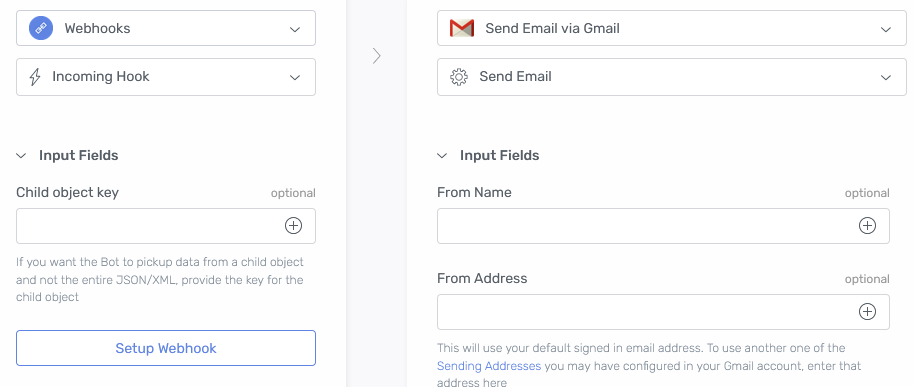
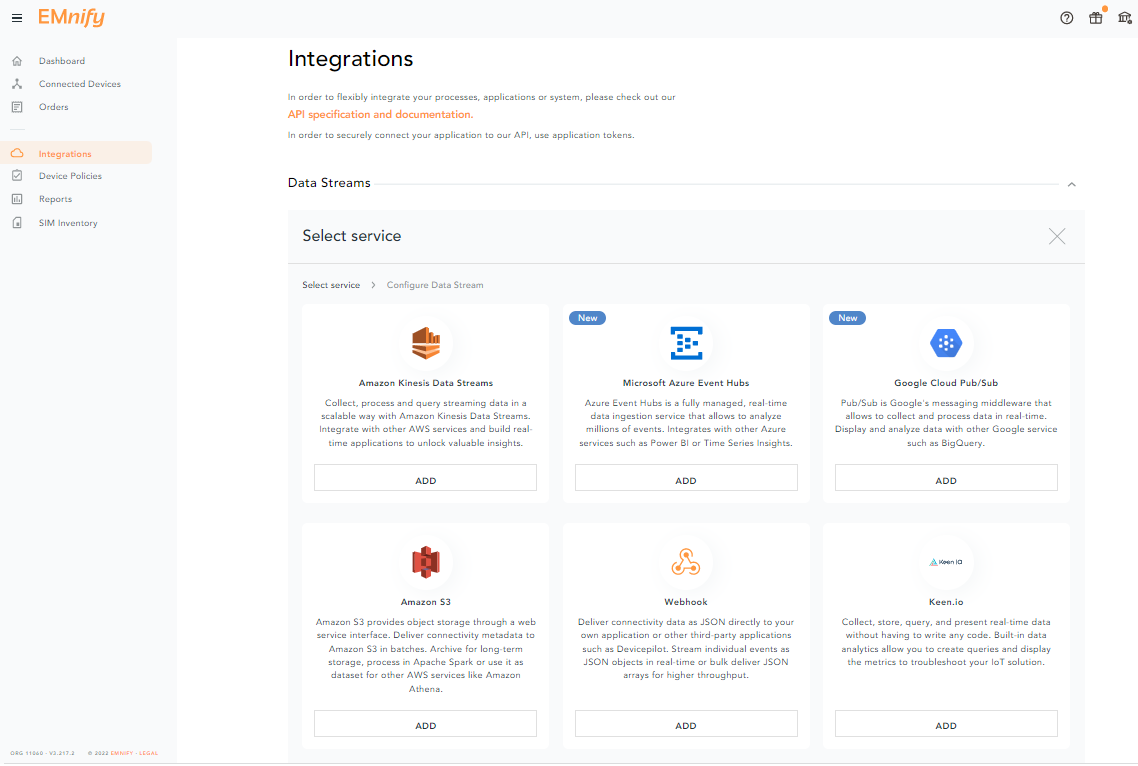
Log in on your EMnify account and navigate to the Integrations page to add a new data streamer. Click on "Add New Data Stream" and select "Webhook".
Choose "Stream events" as stream type. You can select specific events like "Endpoint blocked" which will enable you to get an email if an endpoint is blocked. For the setup, select "SIM suspension" too as we will need to trigger at list one event to finish the setup. You can remove it after.
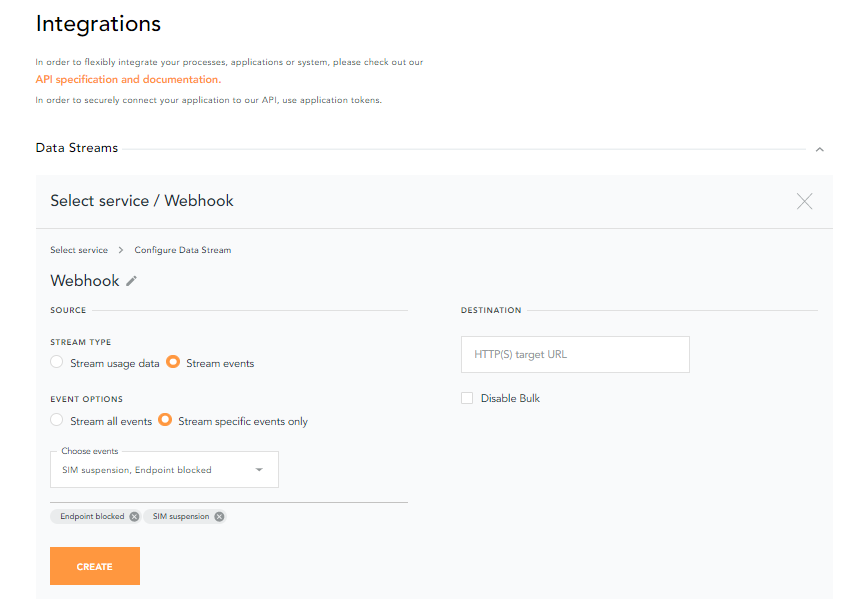
Paste the automate.io link we just created into the Destination URL.
Once you click on create, your new data streamer is set to "pending".
Suspend a SIM to trigger an event on the EMnify Portal. You can see that your streamer is now "running" and that information was received on the automate.io side:
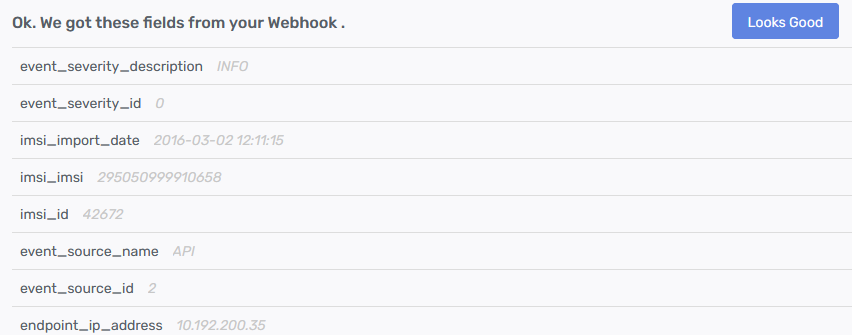
Click on "Looks good" to finish the Bot configuration. On the "send email" side, you can add details: from / to email address and name, the body, etc. In the body, you can use variables received from the webhook:
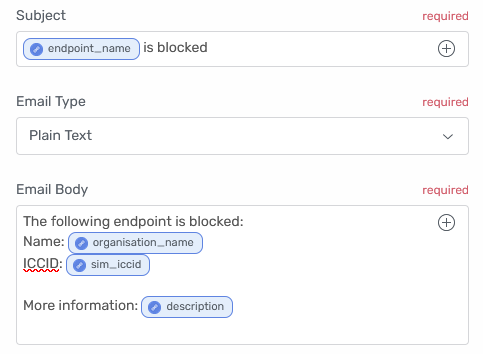
Once you are done, click on save and activate your bot. You can set different bots depending on the events you want to receive.
.jpg)
Director of Customer Success at emnify, Jean-Eudes is an expert in IoT.